 New: AI Music Generator — create songs from lyrics
'%3e%3cg%20id='Group_17091'%20data-name='Group%2017091'%20transform='translate(53%20758)'%3e%3cpath%20id='Path_178899'%20data-name='Path%20178899'%20d='M51.713,62.718h-15.3a.7.7,0,0,1-.584-.328C33.8,59.247,33.65,53.2,33.638,52.3q0-.053,0-.106a.73.73,0,0,1,.705-.75h0a.729.729,0,0,1,.707.747c0,.005,0,.049,0,.128a3.749,3.749,0,1,0,7.489-.125.729.729,0,0,1,.707-.75h1.624a.729.729,0,0,1,.707.75,3.749,3.749,0,1,0,7.489.119c0-.075,0-.117,0-.122a.729.729,0,0,1,.707-.747h0a.73.73,0,0,1,.705.75c0,.036,0,.071,0,.106-.012.9-.167,6.943-2.186,10.086a.7.7,0,0,1-.584.328Zm0,0'%20transform='translate(-32.06%20-49.036)'%20fill='%23fff780'/%3e%3cpath%20id='Path_178900'%20data-name='Path%20178900'%20d='M265.721,51.449h0a.729.729,0,0,0-.707.747c0,.005,0,.047,0,.122a3.749,3.749,0,1,1-7.489-.119.729.729,0,0,0-.707-.75H256v11.27h7.652a.7.7,0,0,0,.584-.327c2.019-3.143,2.174-9.189,2.186-10.086,0-.035,0-.071,0-.106a.73.73,0,0,0-.706-.75Zm0,0'%20transform='translate(-244.004%20-49.037)'%20fill='%23ffc02e'/%3e%3cpath%20id='Path_178901'%20data-name='Path%20178901'%20d='M209.565,0a2.284,2.284,0,1,0,2.284,2.284A2.286,2.286,0,0,0,209.565,0Zm0,0'%20transform='translate(-197.565)'%20fill='%23ffc02e'/%3e%3cpath%20id='Path_178902'%20data-name='Path%20178902'%20d='M256,0V4.567A2.284,2.284,0,0,0,256,0Zm0,0'%20transform='translate(-244.004)'%20fill='%23ffa73b'/%3e%3cpath%20id='Path_178903'%20data-name='Path%20178903'%20d='M2.284,37.6a2.284,2.284,0,1,0,2.284,2.284A2.286,2.286,0,0,0,2.284,37.6Zm0,0'%20transform='translate(0%20-35.836)'%20fill='%23ffc02e'/%3e%3cpath%20id='Path_178904'%20data-name='Path%20178904'%20d='M416.85,37.6a2.284,2.284,0,1,0,2.284,2.284A2.286,2.286,0,0,0,416.85,37.6Zm0,0'%20transform='translate(-395.133%20-35.836)'%20fill='%23ffa73b'/%3e%3cpath%20id='Path_178905'%20data-name='Path%20178905'%20d='M93.683,270.213h-15.3a.707.707,0,0,1-.707-.707V267.4H94.39v2.108A.707.707,0,0,1,93.683,270.213Zm0,0'%20transform='translate(-74.031%20-254.213)'%20fill='%23ffc02e'/%3e%3cpath%20id='Path_178906'%20data-name='Path%20178906'%20d='M256,270.213h7.652a.707.707,0,0,0,.707-.707V267.4H256Zm0,0'%20transform='translate(-244.004%20-254.213)'%20fill='%23ffa73b'/%3e%3c/g%3e%3c/g%3e%3c/svg%3e) Upgrade Now
Upgrade NowI needed a hero image for a client presentation last month. Something that looked like a moody concept art piece — dark futuristic cityscape, neon reflections on wet pavement, cinematic wide shot. My options were: license a stock photo that sort-of matched ($40), hire an illustrator (weeks, hundreds of dollars), or try one of those AI image generators everyone's been talking about.
I tried the AI. Got four variations in under a minute. The client picked one, and I spent exactly zero dollars.
Vismz AI Image Generator turns text prompts into images — realistic or stylized, whatever you describe.
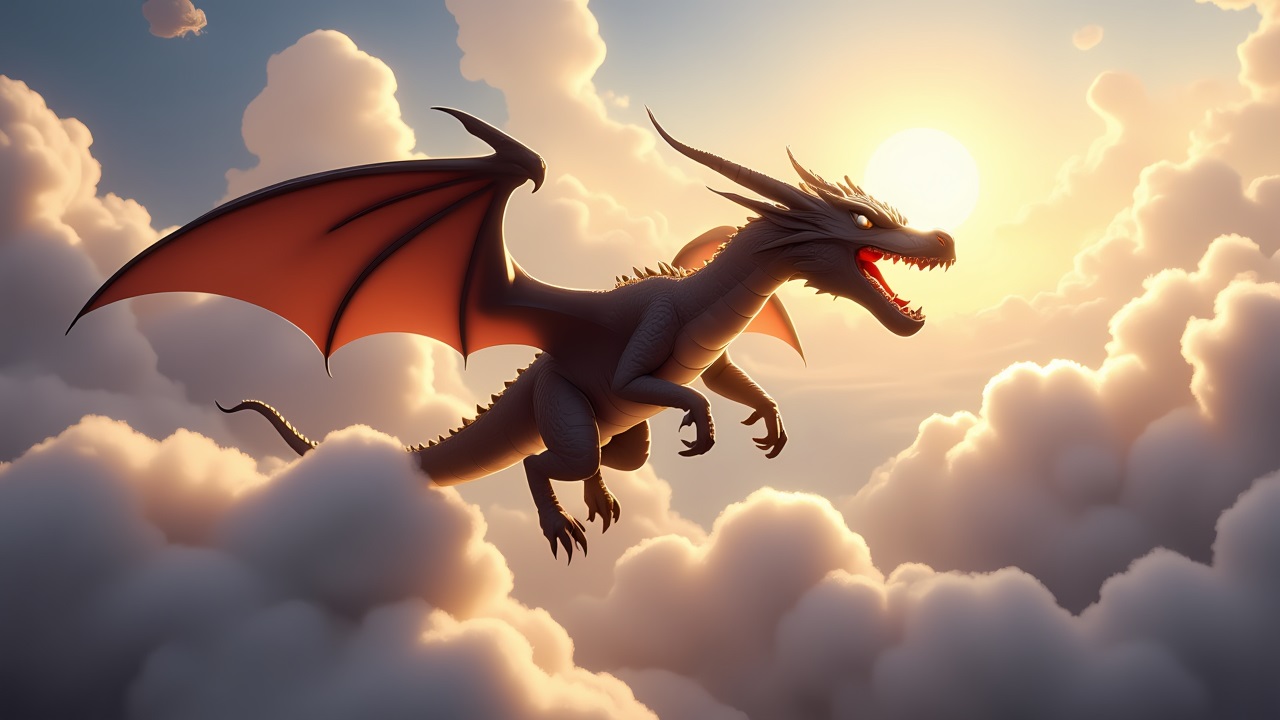
Where These Images Actually Come From
I had a vague idea that AI image generators somehow "learned from the internet" but didn't understand the actual process until I looked into it. Here's the short version:
These models are trained on millions (billions?) of image-text pairs. Over time, they learn that the phrase "golden hour" corresponds to warm orange light and long shadows, that "oil painting" looks different from "watercolor," that "cinematic" usually means wide aspect ratio and shallow depth of field. When you type a prompt, the AI isn't searching a database — it's creating something new based on those learned relationships.
The practical implication: the AI doesn't know your face, your product, or your brand. But it does know visual styles, lighting patterns, and composition rules extremely well. Use that.
Getting Started Takes About Two Minutes
Go to Vismz, type what you want to see, and hit generate. Here's what I wish someone had told me when I started:
Be specific, not poetic. "A cat" produces a cat. A generic, backgroundless, probably boring cat. "A fluffy orange tabby sitting on a sunlit windowsill, sheer curtains blowing gently, afternoon light, shallow depth of field" produces a photograph. See the difference? The AI doesn't have taste. You're the taste. Your prompt is the only thing it has to work with.
Name your style. Don't make the AI guess. Say "watercolor painting" or "3D render" or "photorealistic" or "anime style" or "pencil sketch." This is the single most impactful word in your entire prompt. It tells the AI what visual universe to operate in. I once generated the same scene — "coastal village at sunset" — with four different style words and got four completely different images. Oil painting looked like a gallery piece. Photorealistic looked like a travel photo. Anime looked like a Studio Ghibli still. Wild.
Lighting does more than you think. You can describe objects all day, but lighting sets the emotional tone of an image. "Dim candlelight" versus "bright studio lighting" versus "golden hour" — same scene, completely different feeling. If your images feel flat or generic, your lighting description is probably too vague.
Always generate 3-4 at once. AI image generation has randomness built in. Your first result might be mediocre and your third might be perfect. Generating multiple images per prompt costs nothing extra and dramatically increases your chance of getting something you actually want to use.
What People Actually Use This For
Not hypotheticals — real use cases I've either done myself or seen others do:
Social media graphics. Original, eye-catching visuals for posts without hiring anyone. Every content creator I know is doing this now.
Marketing materials. Blog headers, ad visuals, presentation slides, website hero images. Faster than stock photos, cheaper than custom photography.
Creative exploration. Concept art, mood boards, world-building for D&D campaigns, visualizing a character you're writing in a novel. Sometimes you just want to see if an idea looks as good in pixels as it does in your head.
Personal stuff. Custom phone wallpapers, printed art for your walls, a unique birthday card image, a visual representation of a dream you want to remember. The barrier to creating something meaningful has basically evaporated.
What To Watch Out For
A couple of practical things I learned the hard way: the AI can't do text well (words in the image often come out garbled), hands and fingers are still hit-or-miss (especially with multiple people), and very specific brand logos or product details won't be accurate. For anything commercial, you'll want to review carefully or do light post-editing.
Also: generate at the resolution you need. If you plan to print something, don't generate at standard res and then try to upscale it. Start at HD or Ultra HD. The AI can't add detail that wasn't there in the original generation.
Try Vismz AI Image Generator — free, no sign-up, type a prompt and see what happens.

